The sheet we give every client, ChatGPT edition. The picker in plain English, the reasoning dial, and three ways to load your business in. Save it, share it, argue with it. Updated 9 Sep 2026.
01 · The picker
Instant"the sprinter"SPEED ●●●● · DEPTH ●○○○
Everyday chat, drafts, rewrites, quick lookups and summaries.
Free and Go run GPT-5.6 Luna; paid runs GPT-5.6 Sol. Near-instant, the default.
The reasoning slider"the reasoner"SPEED ●●○○ · DEPTH ●●●●
Turn reasoning up (Instant, Medium, High, Extra High) for multi-step work: debugging, analysis, planning.
The slider lives in the pill beside the message box. Automatic reasoning, which lets ChatGPT add effort while Instant stays selected, is a toggle in Settings.
Pro"the frontier"SOL PRO · GPT-6 ASTRA
GPT-5.6 Sol Pro and GPT-6 Pro, which is GPT-6 Astra, on Pro, Business and Enterprise, with usage limits.
Reserve it for when being wrong is expensive: contracts, pricing, hard code.
The family"where each lives"SOL · TERRA · LUNA
Sol is the paid default, Luna the free and Go default.
Terra and Luna otherwise live in Work, Codex and the API, where you can also reach GPT-6 Astra.
02 · The reasoning dial (most people never touch it)
House rule: start on Instant and let ChatGPT add reasoning by itself. Turn the slider up the moment the task is a puzzle rather than a sentence. Save Pro for the moments a wrong answer costs real money, a lost client or a broken deploy, and remember GPT-6 Pro has usage limits even on a Pro plan. If you can pick Astra by name, in Codex, Work or the API, do it even on low effort. Astra on low has out-thought Sol on high in our testing.
Where it lives, seen on a Pro plan on 9 September: the pill beside the message box shows the current level (here "6 Pro"). Click it and the slider runs from Instant up to Pro.The model row under the slider lists Latest, GPT-5.6 Sol and GPT-5.5. Labels change with your plan and the rollout, so read the pill, not this picture.
03 · Load your business in (three ways)
STEP 1Custom instructionsWho you are, what you sell, where your customers are, the tone you write in. Two minutes in Settings, applies to every new chat.
STEP 2MemoryLet it accumulate facts about the business as you work, and review what it holds once a month: Settings → Personalisation → Memory. Delete anything stale.
STEP 3ProjectsOne project per client or product line. Files, instructions and chats live together, so every conversation starts already briefed. The closest thing to a second brain.
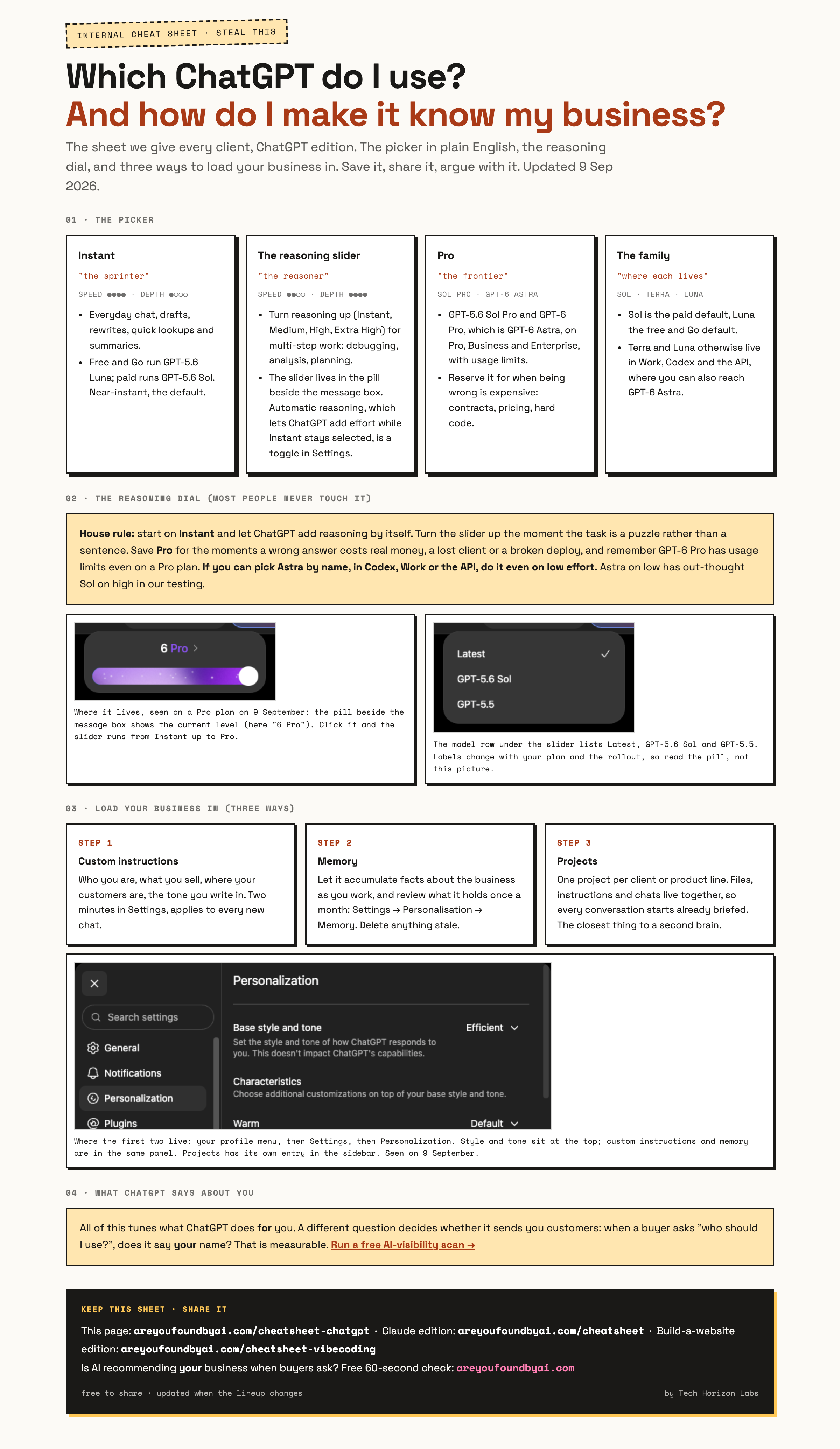
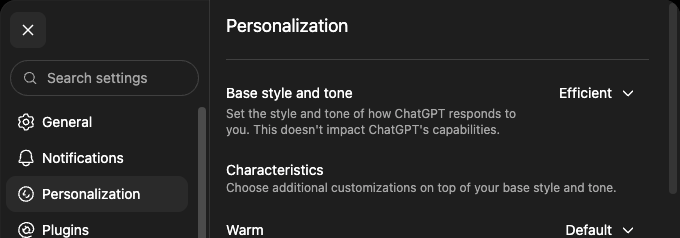
Where the first two live: your profile menu, then Settings, then Personalization. Style and tone sit at the top; custom instructions and memory are in the same panel. Projects has its own entry in the sidebar. Seen on 9 September.
04 · What ChatGPT says about YOU
All of this tunes what ChatGPT does for you. A different question decides whether it sends you customers: when a buyer asks "who should I use?", does it say your name? That is measurable. Run a free AI-visibility scan →
Keep this sheet · share it
This page: areyoufoundbyai.com/cheatsheet-chatgpt · Claude edition: areyoufoundbyai.com/cheatsheet · Build-a-website edition: areyoufoundbyai.com/cheatsheet-vibecoding Is AI recommending your business when buyers ask? Free 60-second check: areyoufoundbyai.com
free to share · updated when the lineup changesby Tech Horizon Labs